AI image and video generation: what actually works without paying
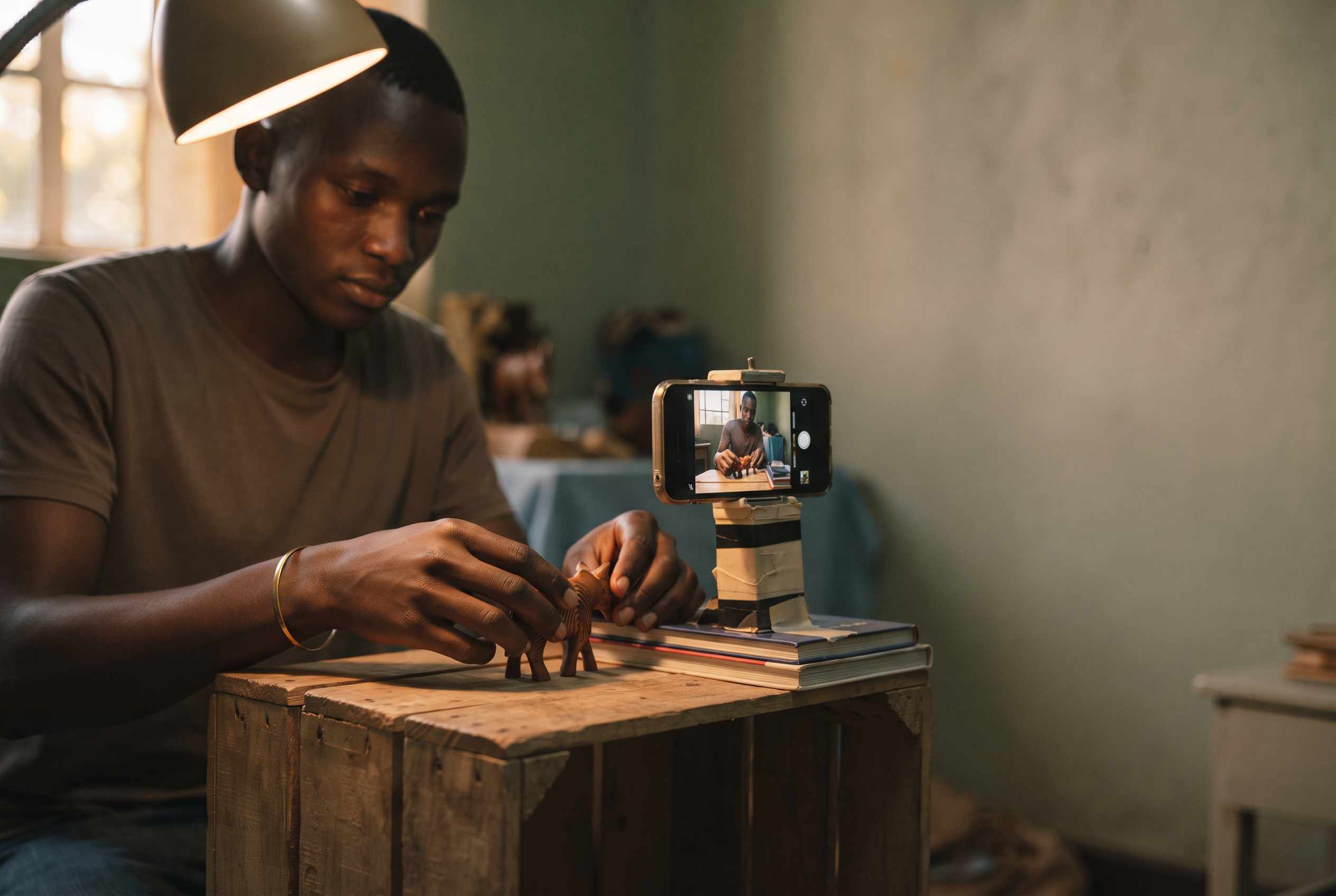
Most guides to “free AI video tools” are written to earn a commission when you sign up. That is why their numbers contradict each other, and why almost none of them mention the three things that decide whether a free tier is any use to someone trying to earn money from what they make.
This article is about what you can actually do without spending money — and about what “free” costs you. Every figure below was checked in August 2026. Free tiers change constantly, and where we could not confirm a number from a source we trust, we have left it out rather than repeat it.
Read the free tier before you use it
Watermarks. Free output usually carries the platform’s logo across it. Fine for practice. Not fine for a client.
Commercial rights. This is the one that catches people. Several major platforms allow free-tier output for personal use and evaluation only. Making a promotional clip for a paying customer on a free plan can put you in breach of the terms you agreed to at signup. Read the terms page, not the pricing page — they often say different things.
Resolution, length and queue. Free generations are usually capped at lower resolution and a few seconds, and they wait behind paying users at busy times.
None of that makes free tiers useless. It means using them for the right thing: learning the craft, finding out which model suits your style, and building personal work you can show. When a paying job arrives, buy a one-off credit pack for that job. That is a far better use of money than a monthly subscription you use twice.
Three kinds of “free”
Credit numbers change every few months. What rarely changes is which of these three groups a platform belongs to — so that is how we have sorted them.
1. Genuinely free, and no payment method required
Hugging Face Spaces. The most overlooked option, and the most relevant one here. Spaces running on shared GPUs are free to use for all users, and no credit card is needed — you create an account and start. There is a daily compute allowance measured in minutes rather than credits, and signed-in users get more of it than anonymous ones.
The honest catch: these are demonstration interfaces for open models, not polished consumer apps. Expect queues, uneven quality, occasional broken pages and no support. You will need patience and some willingness to work things out. In exchange you get generation that stays free rather than running out — and, crucially, access that does not depend on owning a card.
Worth checking for yourself: Google’s AI Studio is repeatedly described as offering rate-limited but usable free access to Google’s video model. We could not confirm the current terms, so test it before you plan around it.
2. A free daily allowance, with real limits attached
Kling. A permanent free tier of 66 credits, although sources disagree on whether that allowance refreshes daily or monthly — check your own account. Free output is capped at around 720p and roughly five-second clips, carries a visible watermark, and sits in the slow queue. Commercial use of free-tier output is generally not permitted. Its strength is realistic movement, which is what it is known for.
Dreamina (CapCut). Probably the easiest starting point if you already edit in CapCut, because generated clips move straight into a timeline you know. CapCut’s own pages describe a recurring daily free allowance — at the time of writing, 225 credits a day, which they put at roughly ten to twenty clips depending on settings. There are also reports circulating that the free daily credits have been withdrawn. Since the vendor’s own material is inconsistent, check your account before building a plan around it.
Others in this group advertise daily or one-off free credits, among them Pika, Runway and Leonardo. We have deliberately not printed their numbers, because every figure we found traced back to a site earning a commission on signups. Sign up and look at your own balance; that is the only number that is true.
3. Free to try, not free to use
Artlist. With a free account you can generate images, videos, music and voiceovers — but downloading without a watermark, and using the result in your own projects, requires a paid subscription. Generation is free; publishing is not.
Magnific, formerly Freepik. Worth knowing that the name changed: Freepik became Magnific on 28 April 2026, and the AI tools now live under that name. Accounts and subscriptions carried over, and the contributor marketplace where you upload and sell stock kept the Freepik name. For our purposes the important detail is that video generation consumes credits on every plan, so there is no meaningful free video path here.
Neither of these is a bad platform. They are paid products with a taster, and it is worth recognising that before you spend an evening on one.
The Google and Elba programme
Google and Idris Elba’s foundation have committed roughly one million dollars to fund AI tool access for about 100,000 creators in Nigeria, South Africa, Ghana, Kenya and Sierra Leone, announced at Google’s Africa summit in Johannesburg. The support covers Google’s Gemini assistant and other Google products.
At the time of writing we could not find a public application route. We track this kind of opportunity in our AI skills section, which we keep current — this article does not.
The part that does not expire: prompting
Tools change every few months. How you describe a shot does not. This is where the difference between a usable clip and a wasted generation actually lies.
Four levels of control
Level one — text only. You describe what you want. “A golden retriever running through autumn leaves, cinematic slow motion.” Simplest entry, least control.
Level two — reference image plus text. You upload an image and add a prompt, and the model takes style, composition or character from it. This is how you keep the same face across clips instead of getting a different person every time.
Level three — multiple references. Advanced models accept several reference files at once: images, video, sometimes audio. Appearance from one, colour grade from another, camera movement from a third.
Level four — sequences. Multi-shot features generate connected scenes with consistent characters, which is what anything longer than a single clip requires.
Not every model does every level, and none is best at everything. The free tiers exist so that you can find out which one suits your work.
Prompt structure
Order matters. Put the most important thing first:
Subject + action + setting + camera + light + style
Photorealistic:
Portrait of a young Kenyan woman in traditional kitenge fabric, smiling at the camera, sunny market in Nairobi in the background, close-up, soft natural morning light, photorealistic, 8K
Animated:
A 3D-animated elephant hopping through a futuristic Nairobi, Pixar animation style, bright pastel colours, soft shadows, isometric perspective
Be specific. Vague prompts produce generic results, and every wasted generation costs credits you do not have.
Camera language
Video prompts live or die on camera direction. The vocabulary is small and worth learning.
- Pan — the camera turns horizontally from a fixed position
- Tracking shot — the camera moves with the subject
- Zoom — the framing tightens or widens
- Drone shot — high, wide, moving
- Push in / pull out — the camera moves toward or away from the subject
- Slow motion — slowed playback, and useful for hiding motion artefacts
Combined:
A drone shot over the savannah at sunset, camera panning slowly from left to right, a herd of zebra running through frame, cinematic slow motion, 4K, 16:9
Keeping several people straight
The most common failure in group shots is the model blending your characters into each other. The fix is to describe each person as a separate, unambiguous element: name each person or give them a distinct description, fix their position in the frame, describe clothing and features individually, and state the interaction between them.
Group photo: on the left, James (30, short black hair, blue shirt) stands with his arms crossed. In the centre, Mary (28, long braided hair, red dress) sits on a chair, laughing. On the right, Peter (35, glasses, grey blazer) leans against a wall. Background is a modern office in Nairobi, daylight from large windows, professional corporate portrait, 4K
For video with several people, combine this with reference images and a multi-shot feature so that the same faces survive the cut.
Practical advice
Start with images, not video. Images cost less, generate faster, and teach the same prompting skills.
Use a reference image early. One good reference saves dozens of prompt attempts, and prompt attempts are what burn a free allowance.
Write the prompt before you open the tool. Free tiers reward planning and punish improvisation.
Keep the prompts that worked. A working prompt is an asset. Build a file of them.
Combine platforms. Different free tiers refresh on different schedules.
If your only computer is a phone, start with our article on AI tools you can actually use on a phone. If you are trying to turn this into income while studying, see earning while you study.
Shirikiana —> to work with one another. The founding values of the cooperative movement, self-help, self-responsibility and solidarity, remain the most practical basis for collective enterprise. We join knowledge, applied action and ethical responsibility in member-owned, member-governed enterprise, guided by the International Cooperative Alliance’s principle of concern for community. We proceed incrementally, attribute every partner by name, and distinguish demonstrated capacity from stated intent.